Installation Steps:
-
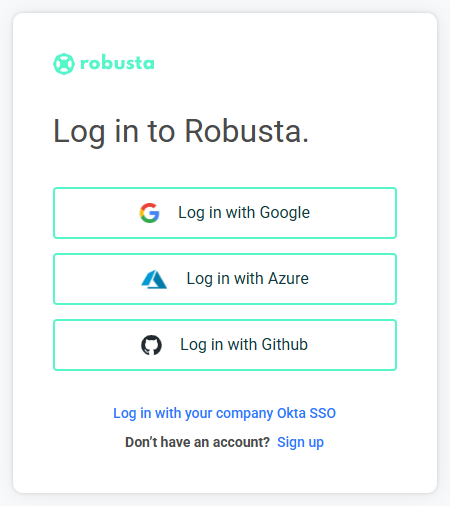
Go to platform and login
-
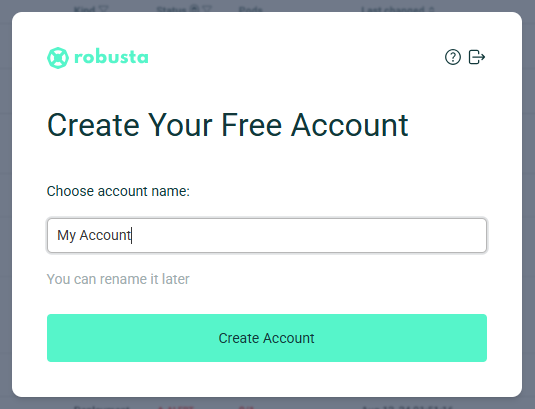
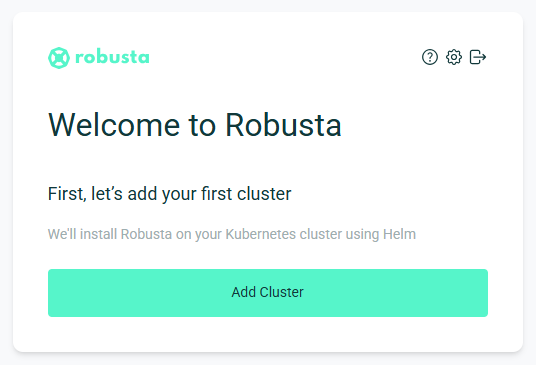
Create a new account if you don't have one, and connect your first Kubernetes cluster
-
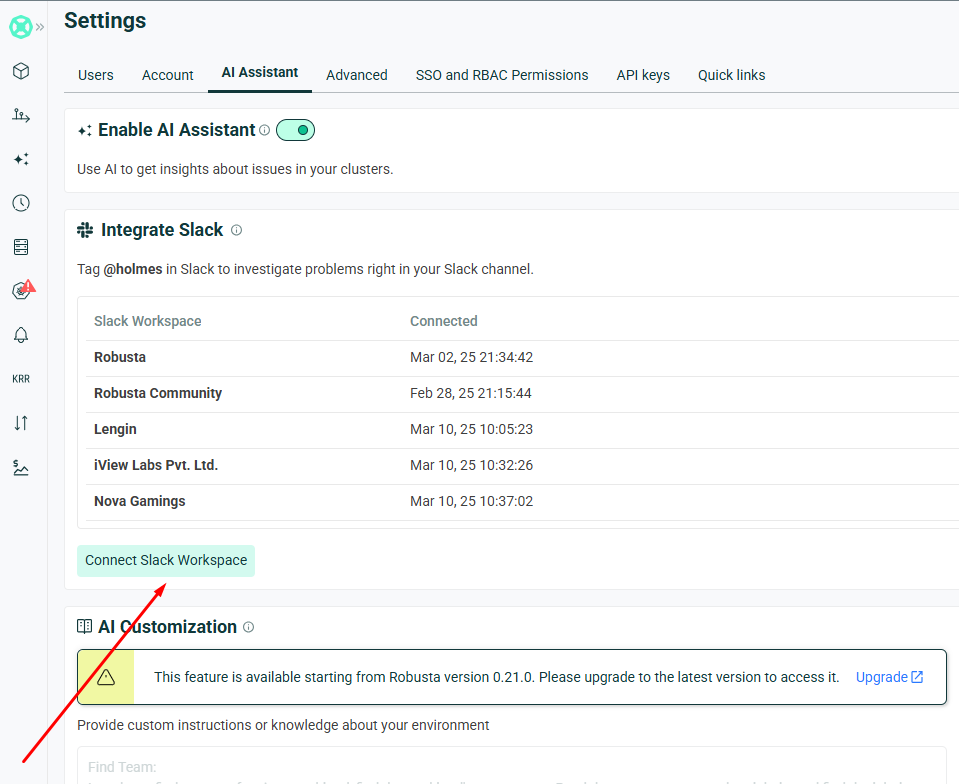
Go to Settings -> AI Assistant and click "Connect Slack Workspace" button
-
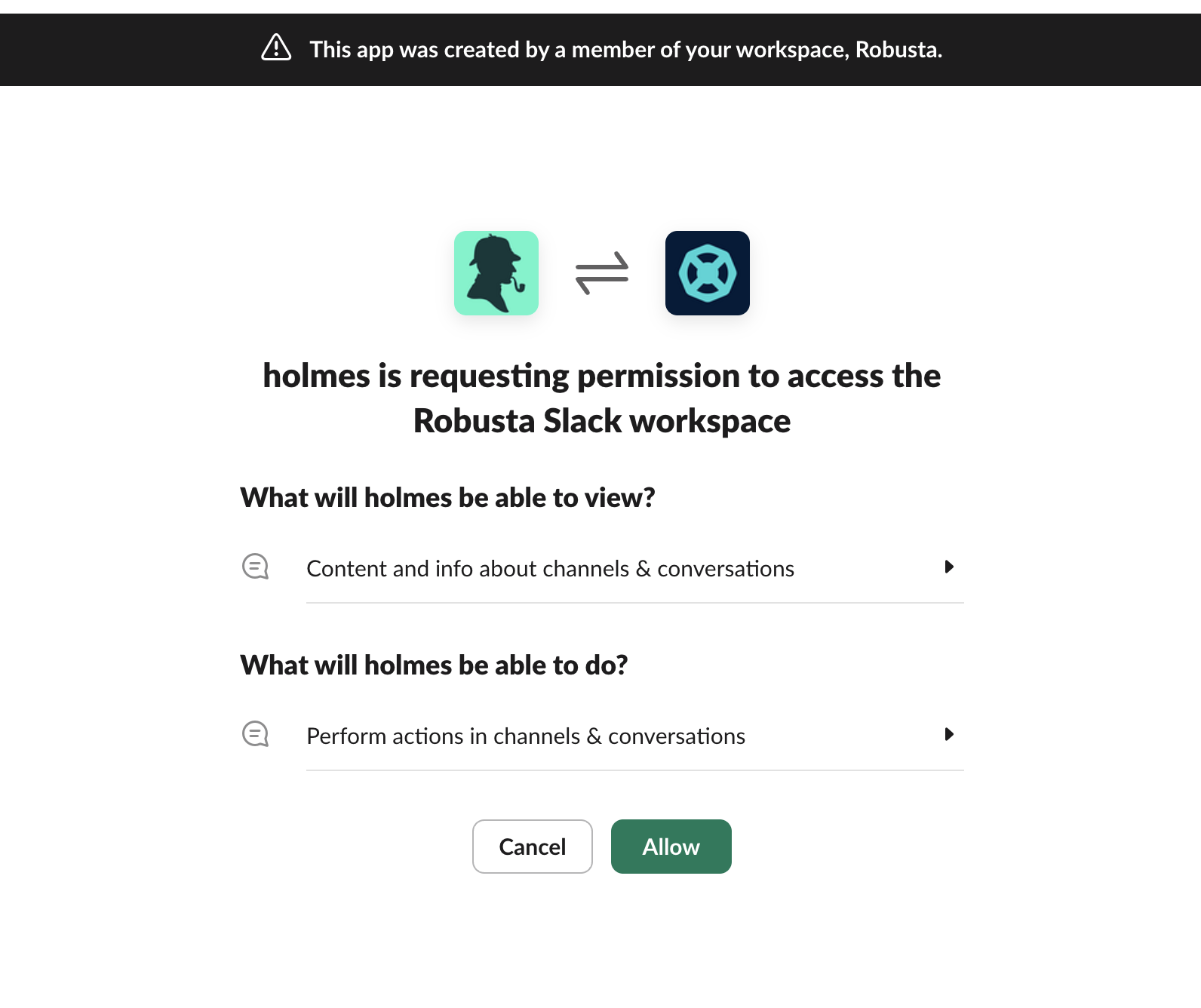
Connect your workspace
That's it!
We're now ready to use HolmesGPT in Slack
Go to your Slack workspace, add HolmesGPT to your alerts channel.
You can use HolmesGPT in one of 2 ways:
-
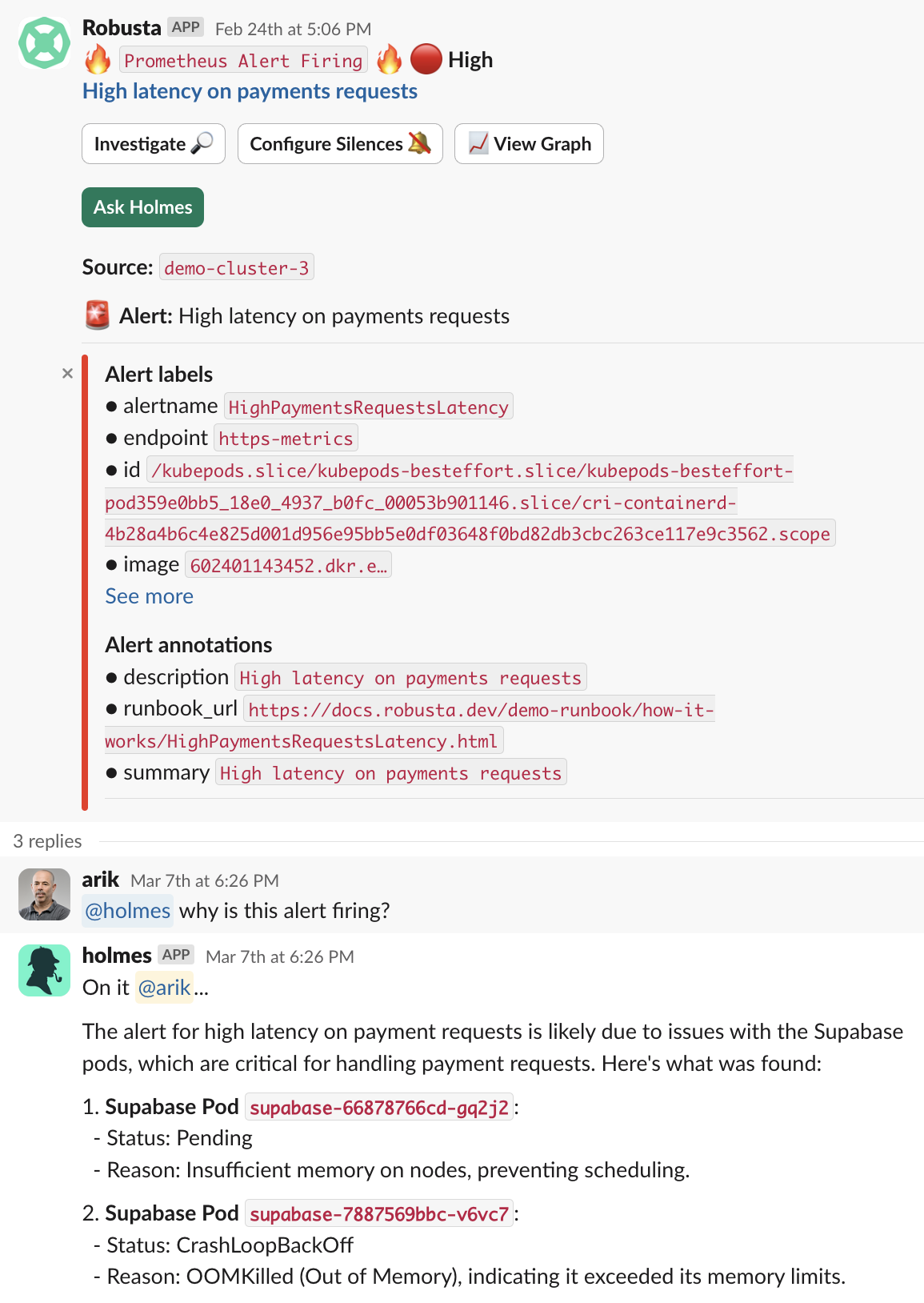
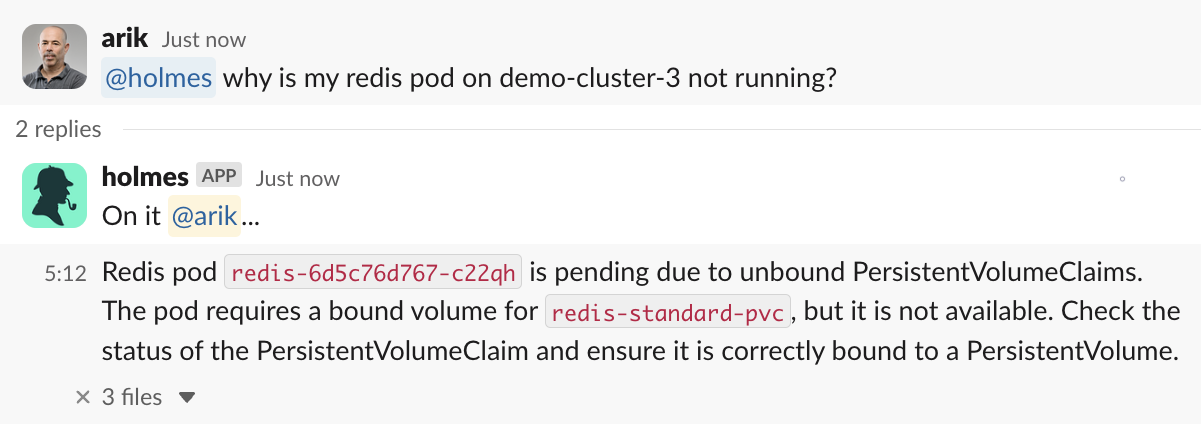
Tag @holmes, and ask a question
-
Click reply to an alert, and ask @holmes to find the root cause